Best Slack Live Chat for Solopreneurs (2026)
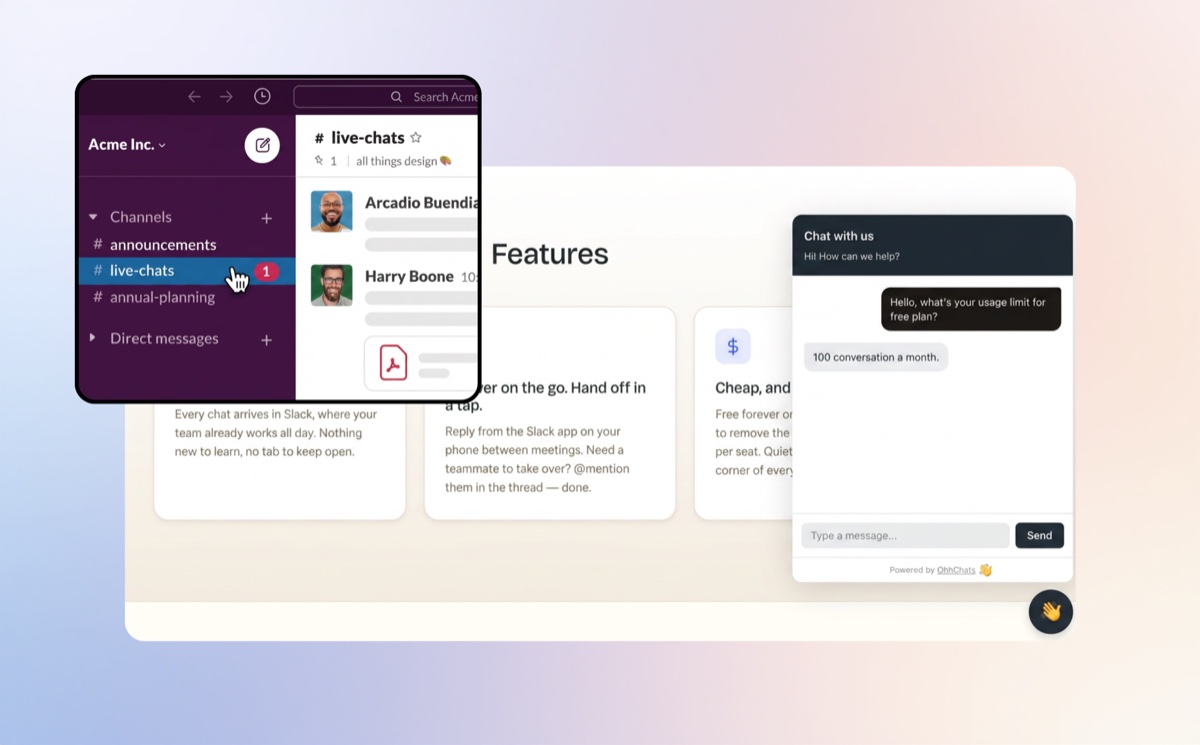
When someone is on your site — reading your pricing, hovering over the sign-up button, half-typing a question — that's the moment they're closest to becoming a client. A quick reply right then is often what turns a browser into a sale. Catch it and it can mean revenue on the spot; miss it and they usually close the tab and don't come back.
For a solopreneur, catching that moment is harder than it sounds. Most live chat tools are built for support teams: they assume you'll sit inside their dashboard working through a queue of "tickets." But you're not a support team. You're one person doing everything, usually away from your desk. What you actually need is for a visitor's message to reach you where you already are — in Slack, on your phone — so you can answer in a few taps and get on with your day.
That's exactly what a Slack-native live chat does, and it's why it suits solo businesses so well. Below is an honest, tried-and-tested look at the four tools that do it: what they cost, where each one genuinely wins, and which is the best fit when it's just you.
Quick answer
For most solopreneurs, the best Slack live chat is OhhChats — it's free to start, $15/month per site, and priced per site with no per-seat fees, making it the simplest, lowest-cost option for a one-person business. If you need a built-in AI chatbot or WhatsApp/SMS, Social Intents is the stronger pick.
- Best overall for solopreneurs: OhhChats — free tier, $15/month per site, per-site pricing.
- Best if you need an AI chatbot or WhatsApp/SMS: Social Intents — most features, $39/month.
- Cheapest established alternative: SignalZen — $25/month, longest track record at the low end.
- Best for a small Slack team that's already happy: Chatlio — $29/month flat, very simple.
Best Slack live chat for solopreneurs at a glance
| Tool | Free tier | Starting paid price | Pricing model | Built-in AI chatbot | Channels | Best for |
|---|---|---|---|---|---|---|
| OhhChats | Yes (with “Powered by” badge) | $15/mo per site | Flat, per site | No (on roadmap) | Website chat → Slack | Solopreneurs & multi-site owners on a budget |
| SignalZen | Trial only | $25/mo | Per subdomain + operator caps | Limited (AI Copilot, page-capped) | Website chat → Slack/Teams, email | Small support teams |
| Chatlio | Trial only | $29/mo | Flat monthly (operator caps on base plan) | No | Website chat → Slack | Established Slack teams |
| Social Intents | Limited free plan | $39/mo | Flat, unlimited agents | Yes (ChatGPT, Claude, Gemini) | Slack/Teams/Google Chat/Zoom + WhatsApp, SMS, Messenger | Teams needing AI + multichannel |
Bottom line: If you run one site and want the lowest cost and least hassle, OhhChats wins. If you want AI automation or messaging channels beyond your website, pay more for Social Intents. You can estimate the difference with our pricing calculator.
What solopreneurs should look for in a Slack live chat
A one-person business has different priorities than a support team. When picking a Slack live chat tool, weigh these in order:
- Cost at one site, one person. Most tools price for teams. As a solo owner, you want a free tier to start and a low flat fee — not per-seat pricing that assumes a team you don't have.
- Setup time. You should be live in minutes with one snippet of code, not a half-day integration project.
- Where messages land. Slack-native tools deliver chats into Slack, so you don't watch a second dashboard. That's the whole point.
- Per-site vs per-operator pricing. If you ever run more than one site (a side project, a client site), per-site flat pricing stays predictable. Per-operator or per-subdomain pricing punishes you for growing.
- Honest extras. AI chatbots and WhatsApp/SMS are nice, but most solopreneurs don't need them on day one. Don't pay for what you won't use.
The 4 best Slack live chat tools for solopreneurs
1. OhhChats — best for solopreneurs
OhhChats is a Slack-native website live chat widget built for solo owners and small teams. It has a genuinely usable free tier (it shows a small "Powered by OhhChats" badge), and its paid plan is $15/month per site — the lowest paid price among the Slack-native tools, and roughly half of Chatlio. Pricing is flat per site, so there are no per-seat or per-operator fees to track as a one-person business.
Pros
- Free to start, then the cheapest paid plan in this category.
- Per-site flat pricing — predictable whether you run one site or several.
- Multi-site friendly, which suits solopreneurs who also run client or side-project sites.
- Fast setup: add one snippet, connect Slack, done.
Cons
- No built-in AI chatbot yet (on the roadmap). If you need 24/7 automated answers today, this is a gap.
- Website chat only — no WhatsApp, SMS, or Messenger channels.
- Newer and smaller than the incumbents, so a shorter public track record.
Best for: A solopreneur running one or more websites who wants live chat in Slack for as little as possible, without per-seat pricing.
2. SignalZen — cheapest established alternative
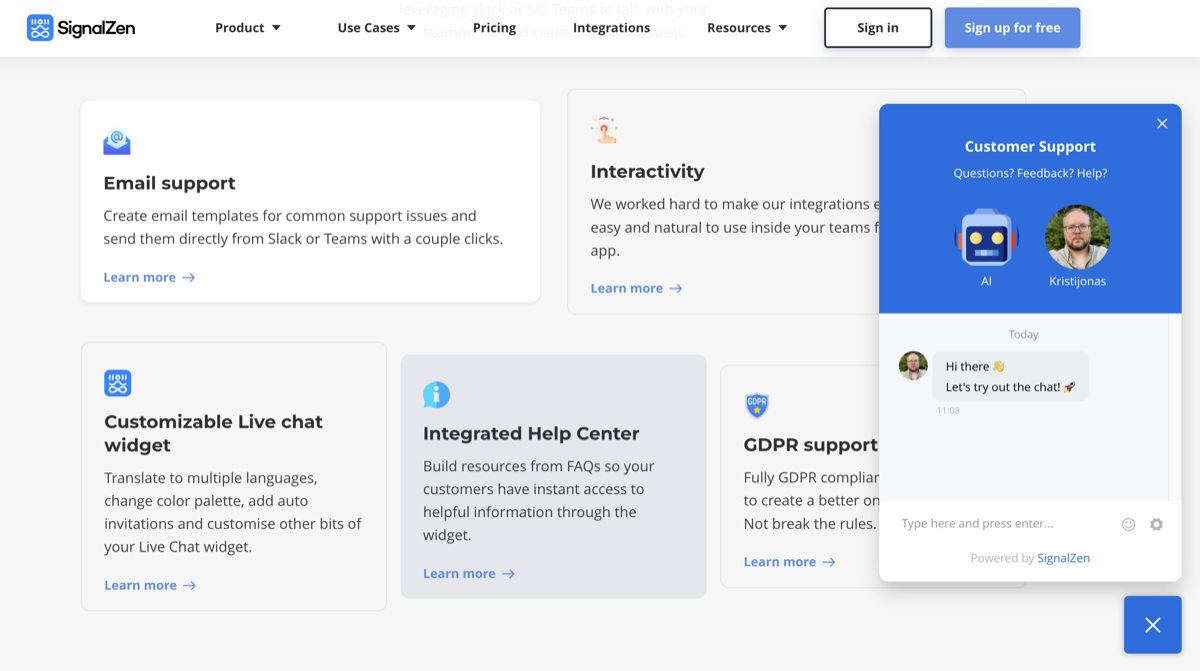
SignalZen is a Slack- and Teams-native live chat tool that starts at $25/month. Its base plan covers one subdomain and up to five operators, with unlimited chats. It also includes an "AI Copilot" feature, though the number of pages it can be trained on is capped, and overages add cost.
Pros
- Low entry price with unlimited chats even on the base plan.
- Works with both Slack and Microsoft Teams.
- Includes email support handling alongside chat.
Cons
- No ongoing free tier — trial only.
- Pricing is tied to subdomains and operator counts rather than a simple per-site fee.
- AI features are capped and lighter than chatbot-first platforms.
Best for: A solo owner or small team that wants a proven low-cost tool and doesn't mind the subdomain/operator pricing model.
3. Chatlio — simplest for an established Slack team
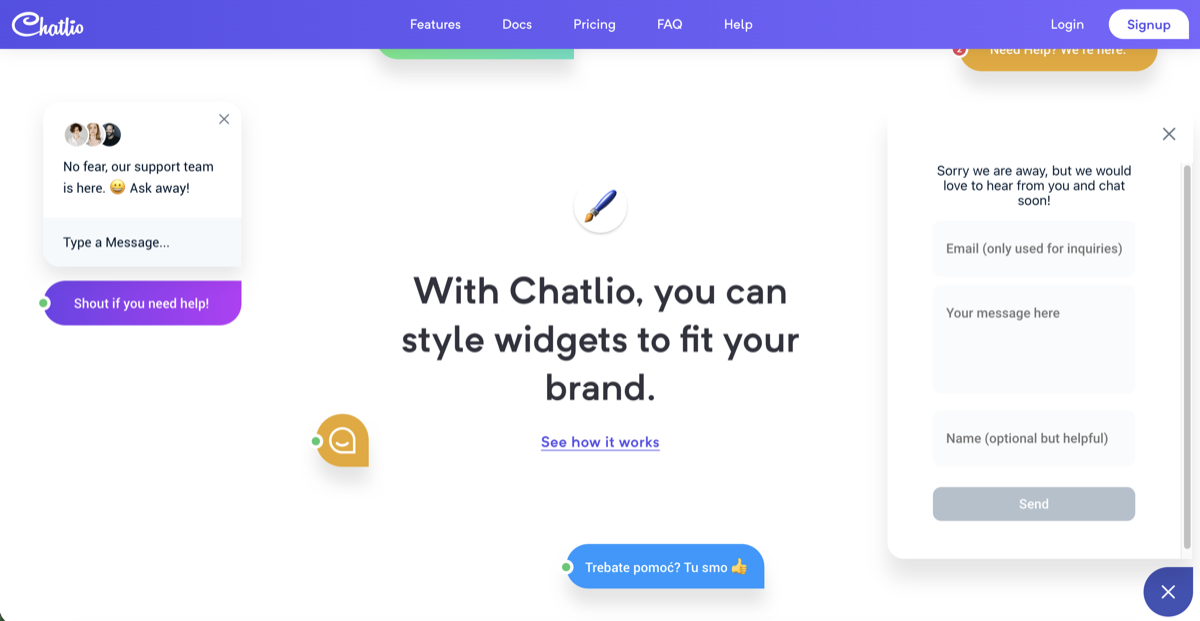
Chatlio is one of the longest-running Slack-native live chat tools, starting at $29/month. Its main appeal is simplicity and a flat monthly fee that isn't charged per user — you pay one price and chat with visitors directly inside Slack.
Pros
- Flat monthly pricing, not per-seat.
- Very simple, mature, and reliable.
- Strong fit if your team already lives in Slack.
Cons
- No ongoing free tier — trial only.
- No built-in AI chatbot.
- Base plan limits the number of operators, and the price is nearly double OhhChats.
Best for: A small business already comfortable in Slack that wants a no-frills, set-and-forget tool.
4. Social Intents — best if you need AI or extra channels
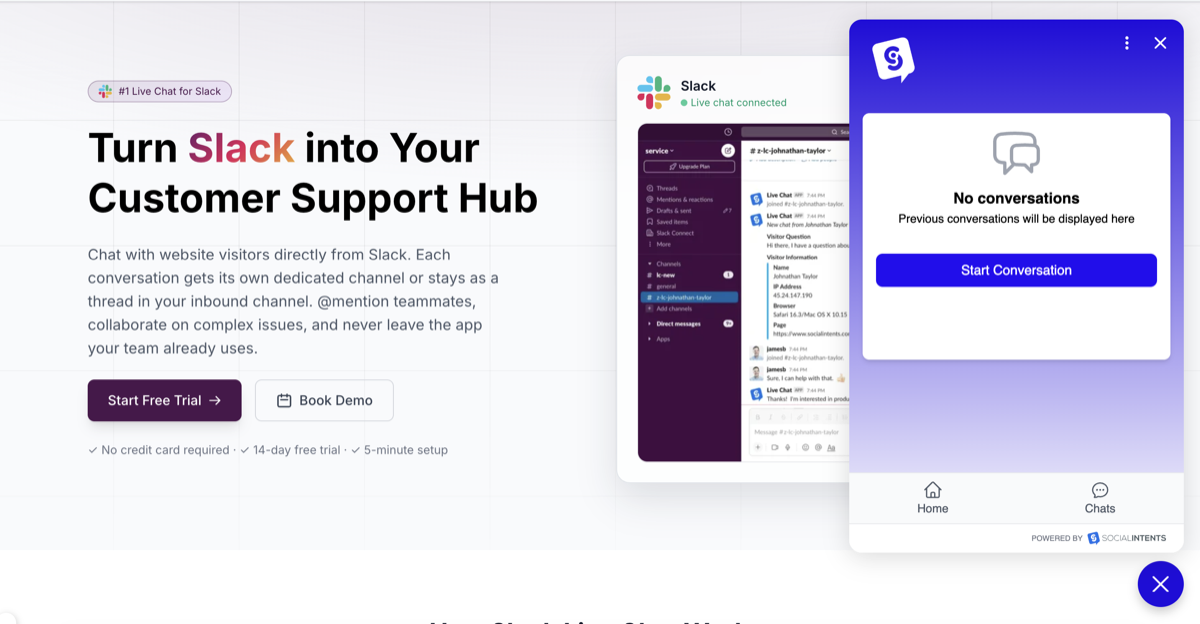
Social Intents is the most feature-rich tool here, starting at $39/month with unlimited agents on every plan. It offers AI chatbots powered by ChatGPT, Claude, and Gemini, works across Slack, Microsoft Teams, Google Chat, and Zoom, and adds WhatsApp, SMS, and Facebook Messenger as customer channels. It also has a limited free plan.
Pros
- Built-in AI chatbot with human handoff.
- Multichannel: website chat plus WhatsApp, SMS, and Messenger.
- Unlimited agents included, so the price doesn't climb as you grow.
Cons
- Highest entry price of the four.
- More features than a typical solopreneur needs on day one.
- Heavier setup than a single-snippet install.
Best for: A solo owner or growing team that genuinely needs AI automation or messaging channels beyond their website, and will use them.
Is Slack live chat worth it for a solopreneur?
Using Slack as your live chat inbox is worth it for most solopreneurs, because it removes the single biggest reason people abandon live chat: forgetting to check a separate dashboard.
Pros
- One place for messages. Chats arrive in a tool you already keep open.
- No new app to learn. You reply the way you already message your team or yourself.
- Cheap. Slack-native tools are among the lowest-cost live chat options.
Cons
- You're the only operator. Without an AI chatbot, visitors only get replies when you're online.
- Limited automation on the cheapest plans.
Verdict: For a one-person business, a Slack-native tool is the most practical way to add live chat — provided you set clear "we'll reply within X hours" expectations, since there's only one of you.
How to add Slack live chat to your website
Adding Slack-native live chat takes a few minutes and no developer:
- Sign up for a Slack live chat tool (OhhChats has a free tier to start).
- Connect your Slack workspace with a one-click authorization.
- Customize the widget — colors, logo, and a welcome message.
- Add one snippet of code to your website, or use a plugin if your site builder supports one.
- Send a test message from your own site and confirm it lands in Slack.
Most solopreneurs are live in under ten minutes.
Frequently asked questions
What is the best free Slack live chat for solopreneurs?
OhhChats is the best free Slack live chat for solopreneurs. Its free tier puts website chat into your Slack workspace at no cost, displaying a small "Powered by OhhChats" badge. When you're ready to remove the badge and add more, the paid plan is $15/month per site, the lowest in the category.
How much does Slack live chat cost?
Slack-native live chat costs between $0 and roughly $39/month for a single site. OhhChats starts free, then $15/month per site. SignalZen starts at $25/month, Chatlio at $29/month, and Social Intents at $39/month. Prices were verified in June 2026.
Do I need an AI chatbot as a solopreneur?
Most solopreneurs don't need an AI chatbot to start. A simple live chat that reaches you in Slack, plus a clear "we reply within a few hours" message, covers the basics. If you want automated 24/7 answers, Social Intents includes an AI chatbot, and SignalZen offers a lighter AI Copilot feature.
What's the difference between OhhChats and Chatlio?
OhhChats and Chatlio are both Slack-native live chat tools, but OhhChats is free to start and $15/month per site, while Chatlio is trial-only and $29/month. OhhChats uses flat per-site pricing, which is simpler for someone running more than one website. Chatlio is the more established product with a longer track record.
Can I use one Slack live chat tool for multiple websites?
Yes. OhhChats is built for this — its flat per-site pricing means each additional site is a predictable add-on, which suits solopreneurs who also run side projects or client sites. SignalZen and Chatlio tie pricing to subdomains or operators, which can get less predictable as you add sites.
Which Slack live chat is best for a solopreneur on a tight budget?
OhhChats is best for a tight budget: it starts free and its paid plan is $15/month per site. SignalZen is the next cheapest at $25/month. Both keep a solo business's costs low, but only OhhChats offers an ongoing free tier.
The bottom line
For most solopreneurs, OhhChats is the best Slack live chat — it's free to start, the cheapest paid option at $15/month per site, and priced per site so it stays simple as you grow. Choose Social Intents if you specifically need an AI chatbot or WhatsApp/SMS, SignalZen if you want the cheapest established alternative, and Chatlio if you're an existing Slack team that values simplicity above all.